How to Choose a Reliable IPTV Provider
An IPTV provider is the company actually delivering your channels, on-demand library, and stream quality — the app on your Firestick or Smart TV is just the window into it. Picking the right IPTV provider matters more than picking the right app, and it's easy to get wrong if you don't know what to check first. This page walks through exactly what to look for, and how RedStreamTV holds up against each point.
USA-based servers · 24/7 live chat · No contract
What Is an IPTV Provider?
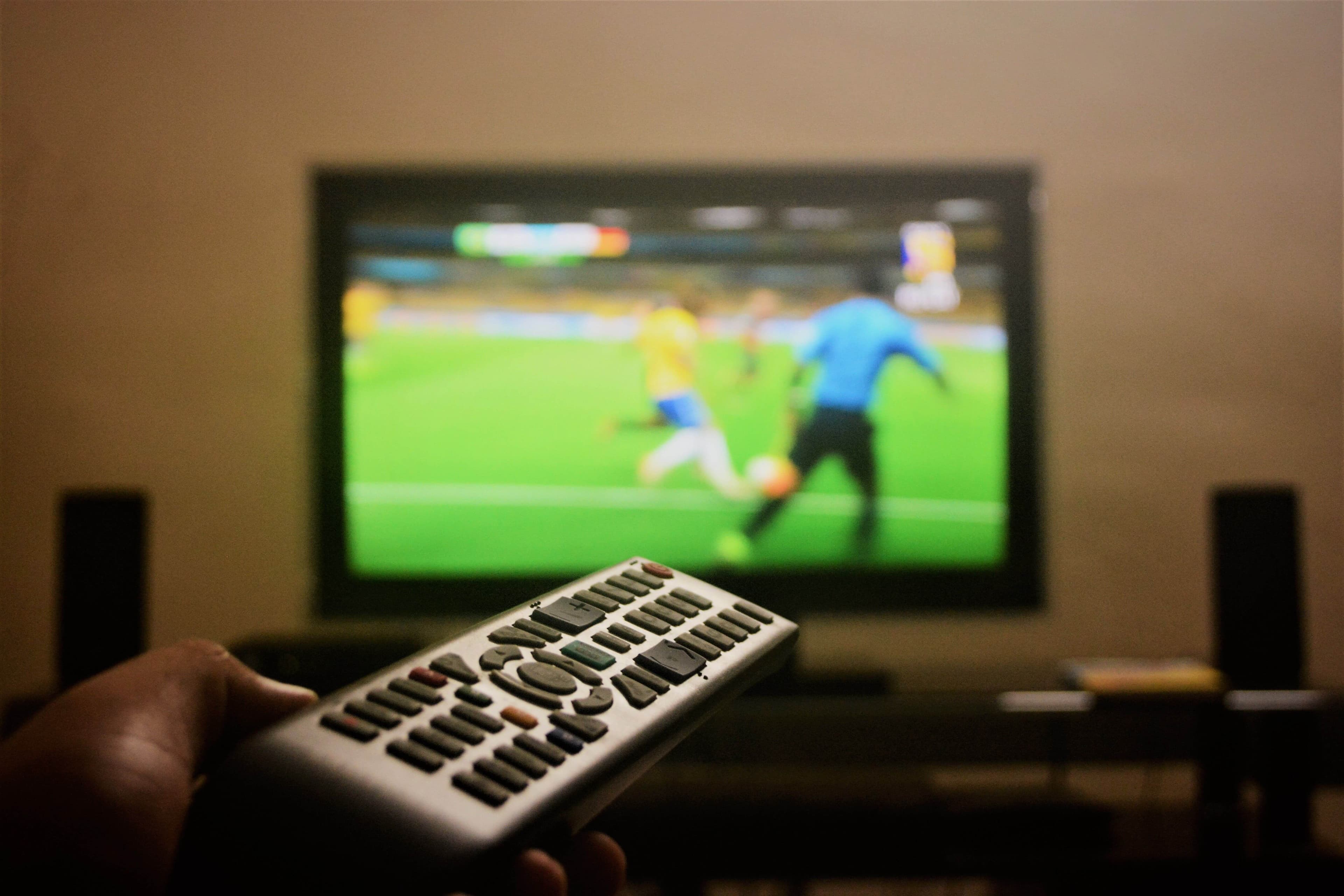
IPTV stands for Internet Protocol Television — live TV and on-demand video delivered over your internet connection instead of a coaxial cable or satellite dish. An IPTV provider is the company that actually operates the servers, licenses the channels, and streams them to you; the IPTV player app on your device (IPTV Smarters Pro, TiviMate, and so on) is just the interface you use to watch it.
This distinction matters because two people using the exact same app can have completely different experiences depending on which provider is behind it. A polished app can't fix a provider whose servers buffer during peak hours or whose channel lineup is unreliable — so evaluating the provider itself, not just the app, is the first real step.
It's also worth knowing that not every service calling itself an IPTV provider operates the same way — some resell access to someone else's servers under a different brand name, which is part of why stream quality can vary so much between providers that look identical on the surface. It's a reasonable question to ask any provider directly before subscribing.
What to Look for When Choosing an IPTV Provider
Channel count is the easiest number to advertise and the least useful one to judge a provider by. What actually determines your day-to-day experience is whether the channels you personally watch stream without interruption, whether the provider supports the devices already in your home, and whether someone answers when something breaks.
It's also worth checking what's included versus what's billed as an extra — some providers advertise a low headline price and then charge separately for international channels, additional simultaneous streams, or premium sports. A provider that's upfront about what's actually included in the base subscription is usually the more reliable choice long-term.
- Streaming ReliabilityConsistent uptime, especially during high-demand live TV and sports events
- Device CompatibilityWorks with the Smart TV, Firestick, or Android TV box you already own
- Real Support24/7 live chat that actually resolves setup and activation issues
- A Way to Test ItA free trial you can use before paying for a longer subscription
Streaming Reliability and Internet Speed Requirements
No IPTV provider can outperform the internet connection it's running on, so it's worth checking your own setup before judging a provider's stream quality. A stable internet connection with at least 10 Mbps is generally enough for smooth HD streaming, while 4K channels need roughly 25 Mbps of consistent, sustained bandwidth.
Wi-Fi works for most households, but a wired ethernet connection to your streaming device gives the most consistent result — particularly during live sports, where bitrate demands spike and a marginal connection is most likely to show it. RedStreamTV runs on USA-based server infrastructure specifically built to hold up during peak demand rather than just average traffic.
Live TV Channels, Movies, and International Content
A subscription is only as good as what's actually in it day to day. RedStreamTV's lineup covers 20,000+ live TV channels spanning US local network affiliates, national cable channels, and international content, alongside an on-demand library of 130,000+ movies and shows for whenever live TV isn't what you're after.
For households that want more than English-language US channels, access to international channels — Spanish, French, Arabic, Portuguese, Italian, and dozens more — is included rather than sold as a separate add-on, which is where a lot of providers quietly start charging extra. That matters for multilingual households in particular, where one person's news channel and another's entertainment and international content both need to come from the same subscription.
Is an IPTV Provider Like RedStreamTV Legal?
This comes up often enough that it's worth addressing directly: IPTV as a technology is completely legal in the USA. It's the same delivery method used by mainstream services like Hulu Live TV and YouTube TV — internet protocol television isn't inherently a gray-market technology, it's just a different way of delivering the same broadcast content.
What actually determines whether a specific provider is operating legitimately is whether it has properly licensed the content it streams. Practical signs of a legitimate IPTV provider include transparent, publicly listed pricing, verifiable business information, a real support channel, and no claims of premium content at prices that don't add up. A provider unwilling to let you test the service before paying is a bigger red flag than anything else on this list.
HD and 4K Streaming Quality
Not every provider that advertises 4K actually delivers it — a lot of "4K" streams are upscaled HD rather than genuinely encoded at 4K resolution. RedStreamTV includes real HD and 4K streams on supported channels and devices, but the same internet speed rule applies: without roughly 25 Mbps of stable bandwidth and a device that decodes HEVC/H.265, you'll see HD quality regardless of what the source is encoded at.
See our 4K IPTV streaming guide for device requirements and what to check if a stream looks softer than expected.
Device Compatibility: Smart TVs, Firestick, and Android TV Boxes
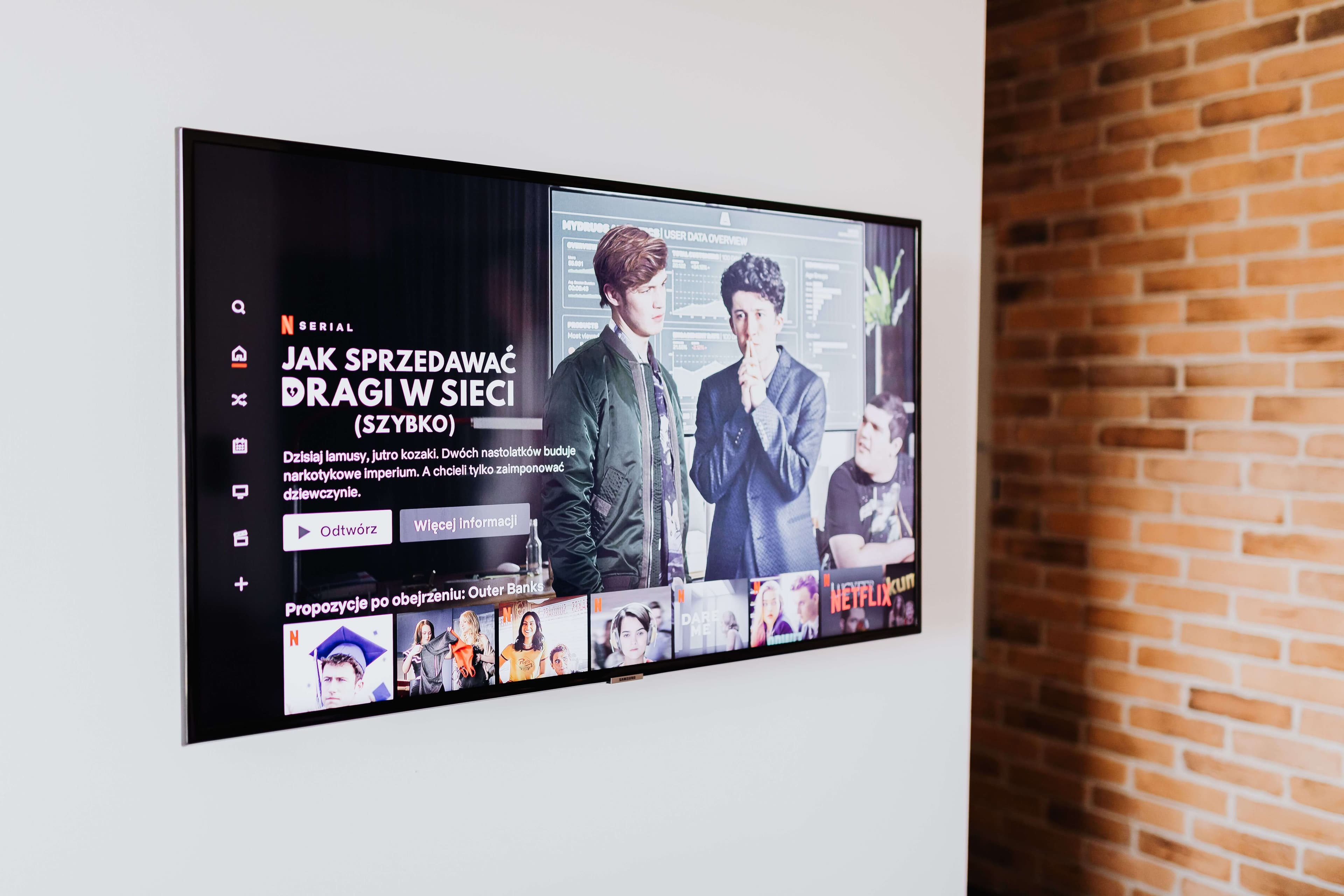
Device compatibility is where a lot of providers quietly fall short — a service that only works well on one platform forces your whole household onto that one device. RedStreamTV supports the full range of devices a US household is likely to already own, so you're not buying new hardware just to get IPTV working.
Firestick and Android TV boxes cover most streaming setups, since both run a proper IPTV player app rather than a locked-down interface. Roku works too, through a compatible IPTV player app rather than a native Roku channel — worth knowing upfront since Roku's app store is more restrictive than Fire TV's.
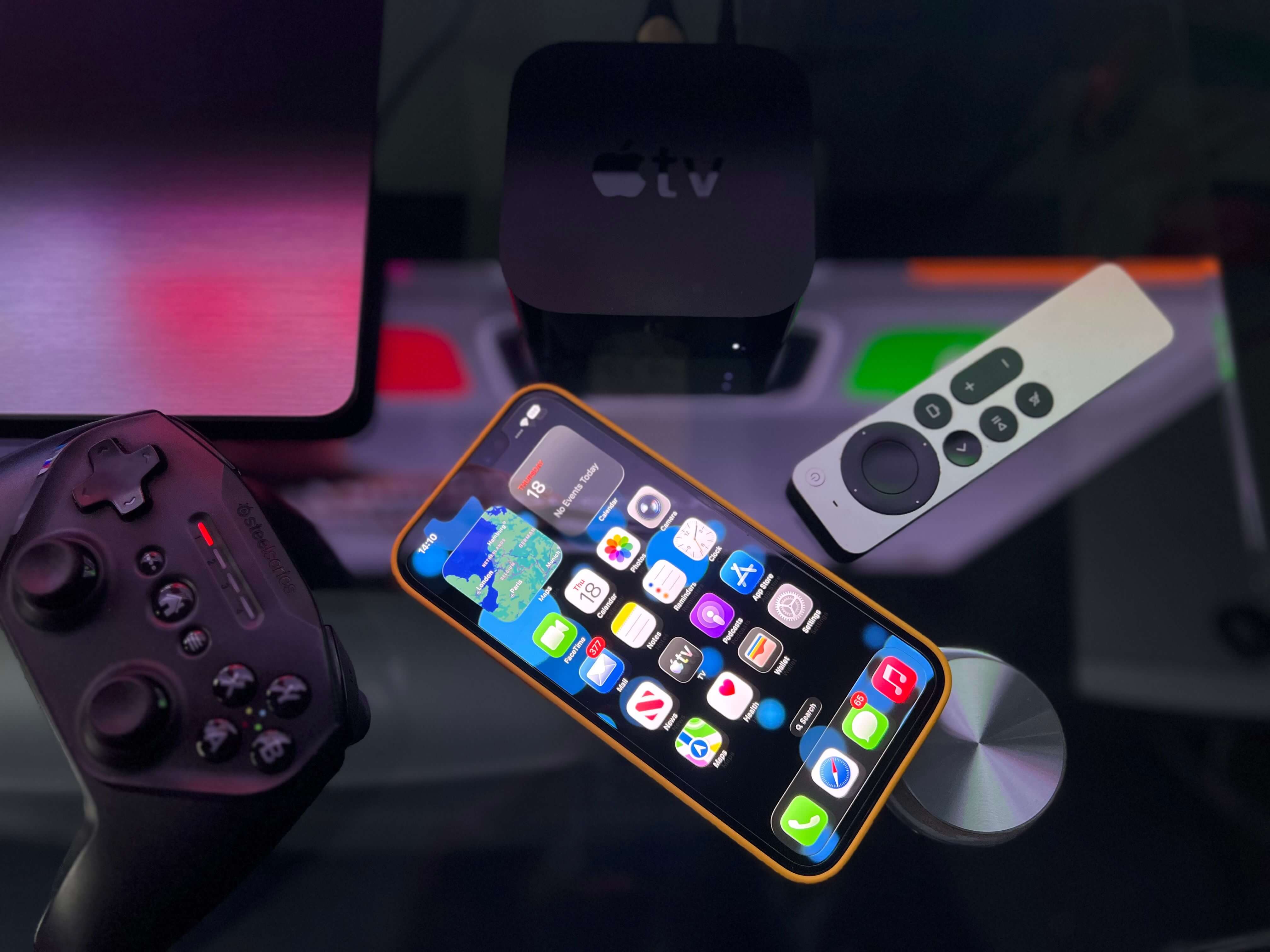
- Smart TV & FirestickSamsung, LG, and Amazon Fire TV / Fire Stick, including 4K models
- Android TV BoxesAndroid TV and Nvidia Shield via any supported IPTV player app
- Phones & ComputersiPhone, Android, Windows, and Mac
- RokuSupported via compatible IPTV player apps
IPTV Player Apps and the Electronic Program Guide
RedStreamTV works with the IPTV player apps most US streamers already use — IPTV Smarters Pro, TiviMate, XCIPTV, and GSE Smart IPTV — via standard Xtream Codes or M3U playlist login, so there's no proprietary app to learn from scratch.
Inside those apps, the electronic program guide (EPG) shows what's airing now and coming up next on each channel, the same way a cable guide does, which matters more than it sounds like the first time you're trying to find a specific game or show without one. It's also one of the easier things to check during a trial: open the guide, scroll a few channels ahead, and confirm the listings actually match what's airing.

Pay-Per-View Events and Premium Entertainment
Traditional cable and satellite bill pay-per-view boxing, MMA, and other premium events separately, often $60–$80 per event. RedStreamTV includes these premium pay-per-view-style events as part of the regular subscription rather than charging for them individually — one of the more overlooked reasons IPTV ends up cheaper than cable for anyone who watches more than the occasional live event.
It's worth asking any provider directly whether pay-per-view events are included or billed separately before subscribing, since this is exactly the kind of detail that tends to be left out of the advertised price.
An IPTV Provider vs. Cable or Satellite
The appeal of switching from cable or satellite to an IPTV provider usually comes down to cost and flexibility rather than the technology itself. Cable and satellite bills average $80–$150 a month once equipment rental and installation fees are factored in, plus a contract that penalizes you for leaving early.
RedStreamTV has no equipment to rent, no installation appointment, and no long-term contract — a plan runs for whatever term you choose (1, 3, 6, or 12 months) and then simply ends unless you renew. For anyone who's mainly switching to save money, that difference in structure often matters as much as the channel lineup itself.
Customer Support: 24/7 Live Chat
Setup questions and activation issues are far more common in the first week than at any other point, which is exactly when support quality matters most. RedStreamTV offers 24/7 live chat for setup, activation, and troubleshooting, plus email support if you'd rather describe an issue in writing than chat in real time.
If you're deciding between providers, it's worth testing their support responsiveness during the trial period rather than just after you've already paid — send a real setup question through live chat and see how long it actually takes to get a useful answer.
How to Test an IPTV Provider Before You Subscribe
The only real way to judge an IPTV provider is to use it — read reviews and comparisons for context, then confirm the important parts yourself: does it hold up on your actual internet connection, does the app you want to use work smoothly, and does support respond when you need it.
RedStreamTV's free 24-hour trial exists specifically for this — full channel access, no credit card, and no automatic charge if you don't continue afterward.
RedStreamTV's Plans and Free 24-Hour Trial
Every RedStreamTV plan — 1, 3, 6, or 12 months — includes the same full channel lineup, on-demand library, and device support; the only difference is subscription length and price per month. There's no contract and no auto-renewal, so a plan simply runs for its term.
If you haven't tested the service yet, start with the free 24-hour trial; if you're ready to compare pricing directly, see our subscription plans for the full breakdown.
Switching IPTV Providers? What to Expect
If you're moving from another provider, switching is usually just updating your login credentials inside the IPTV player app you already use — IPTV Smarters Pro, TiviMate, or GSE Smart IPTV all work this way, so there's no need to reinstall anything.
If you're currently dealing with authorization errors on your existing setup, our IPTV Smarters troubleshooting guide covers the most common causes and fixes before you decide whether to switch at all.
Frequently Asked Questions
How do I know if an IPTV provider is reliable?
Look at server uptime, how many devices are supported, whether the electronic program guide actually works, and how responsive support is before you subscribe — a free trial is the easiest way to test all of this yourself instead of taking a provider's word for it.
What device compatibility should I expect from an IPTV provider?
A good IPTV provider should work across the devices your household already owns — Smart TVs, Firestick, Android TV boxes, phones, and computers — through a standard IPTV player app rather than proprietary hardware you have to buy.
Does an IPTV provider include an electronic program guide?
It should. The electronic program guide (EPG) is what shows you what's airing now and next on each channel, the same way a cable guide does. RedStreamTV's channel data is built to populate the EPG in apps like IPTV Smarters Pro and TiviMate.
Are pay-per-view events included, or do they cost extra?
With RedStreamTV, premium pay-per-view-style events — the ones that typically run $60–$80 per event on cable — are included in your monthly subscription at no extra charge, rather than billed separately.
Does RedStreamTV offer support if I have setup issues?
Yes — 24/7 live chat support is available for setup, activation, and troubleshooting, alongside email support if you'd rather describe the issue in writing.
Can I switch IPTV providers without losing my device setup?
Yes. IPTV player apps like IPTV Smarters Pro, TiviMate, and GSE Smart IPTV work with any provider — switching usually just means updating your login credentials inside the same app, not reinstalling anything.
Is there a free trial before I commit to a provider?
Yes — RedStreamTV offers a free 24-hour trial with no credit card required, so you can test live TV channels and stream quality on your own internet connection before subscribing.
Can multiple people in my household stream at the same time?
Yes, each subscription supports simultaneous streams so different family members can watch on different devices at once — a Smart TV in the living room and a phone in another room, for example.
Test the Provider Before You Commit
Start a free 24-hour trial and judge the stream quality, channel lineup, and support response for yourself — no credit card required.